


2024 - Towerdefense
This was an individual project.
You had to come up with an idea and a plan for how you were going to start the project.
I had the idea to do something with dogs — a dog as the tower and at the end. Along the path, there would be a stickman figure walking toward the end walking a specific route.
Group size
1
Duration
9 weeks
Engine

Github link


What I learned
While working on this project I learned how to make an object move to waypoints in a array. I learned how to use Aseprite for all the art and how to make an draggablepoint so that the tower was able to move around.
Gameplay
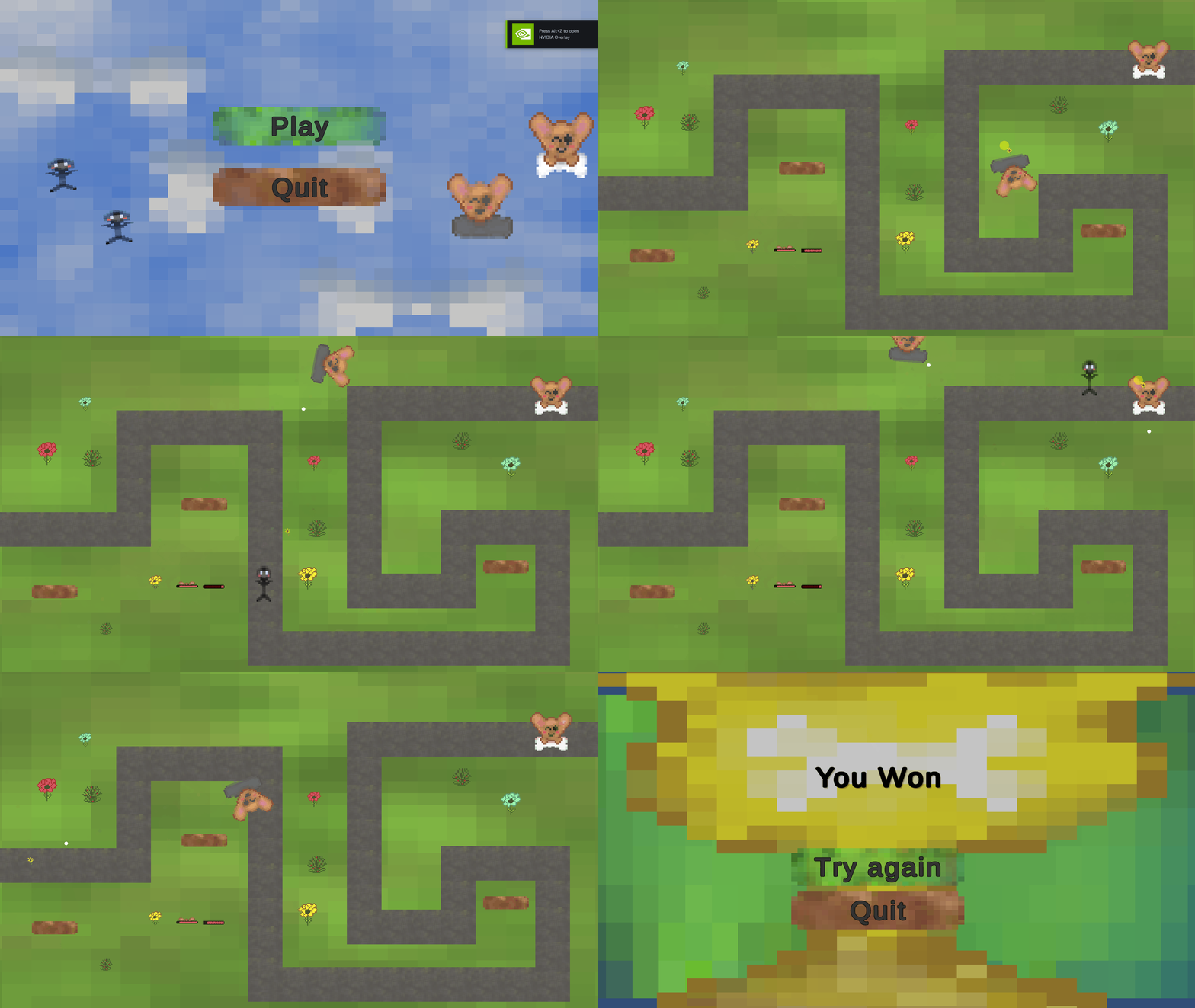
This is the gameplay of my towerdefense
Aseprite art
For the towerdefense game all the art is made in Aseprite.
Waypoints
The stickman follows a list of waypoints to move across the map.


Waypoint Script
In the picture to the left you can see my script where I used waypoints to make a enemy move from point to point.
Bullet and aim script
In the first picture to the right is the Aim script
The second script is the Bullet script


Endpup and Enemy script
In the picture to the furthest left you can see the enemy script. The enemy has 100 health and does 20 damage, if the enemies health is 0 then it gets destroyed and when the enemy dies you will go to the Win screen. In the picture next to it is the Endpup script. If the endpup gets hit (collider) you die and get sent to the lose screen.
Draggablepoint script
On the picture to the right you can see the draggablepoint script if you hold down the leftmouse button on the object you can move it around and if you let the button go it will stay in the position where you previously moved it to.

MainMenu script
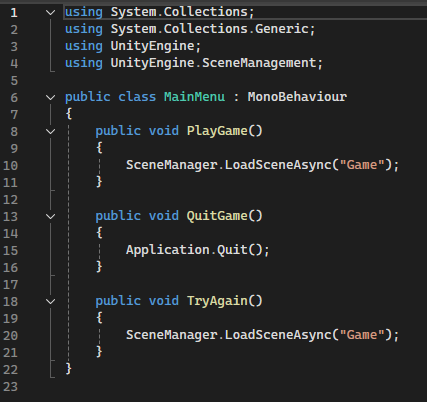
In the picture to the left is the Main Menu script where the game can be loaded and you can quit the application.