


2025 - Game Analytics
For the exam "Verdiepingssoftware", I had to choose a software tool to explore in more depth. I decided to focus on Game Analytics. On this page, I’ll share how the process went and explain why I chose this software.
Group size
1
Duration
9 weeks
Engine

Github Link


What I learned
I learned that Unity has a build in dashboard where you can analyse different things, for this project I analysed how many times a button was pressed. I also learned how to work in the Unity dashboard and how to make a code that tells the dashboard how many times a button has been pressed.
Chosen software
I chose Game analytics. My original idea was eye tracking but due to the lack of resources at that time, I decided to analyse how often someone presses a button. But first how am I going to track it?

Research
While researching how to track a button click, I discovered that Unity has a built-in dashboard that can collect this data and display it visually in a graph.
Trello
I used trello to track my work and see what I still needed to do. I made userstories to track how much I still needed to do.

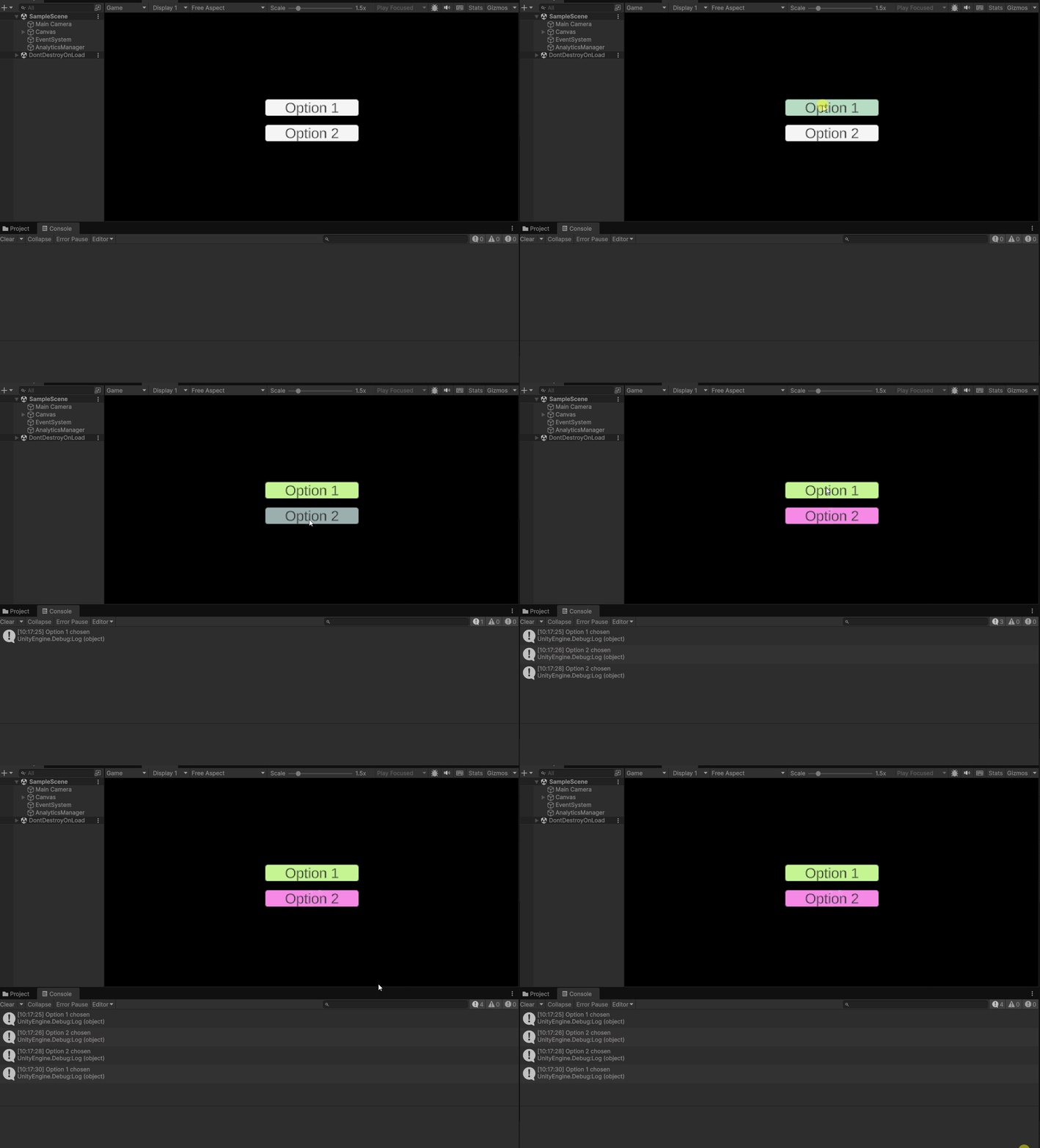
Options result
I made buttons in Unity and I added a debug.log so you could see whenever a button is being pressed.
Code
In the picture to the right you can see 2 scripts that I used to make the analytics possible.
